Native Mac video editorComing to the Mac App Store

Every frame.
Your point of view.

Find the story in your footage. Cut your sequence, shape the color, and bring the sound together in one focused workspace.

Video ProA workspace for your next story
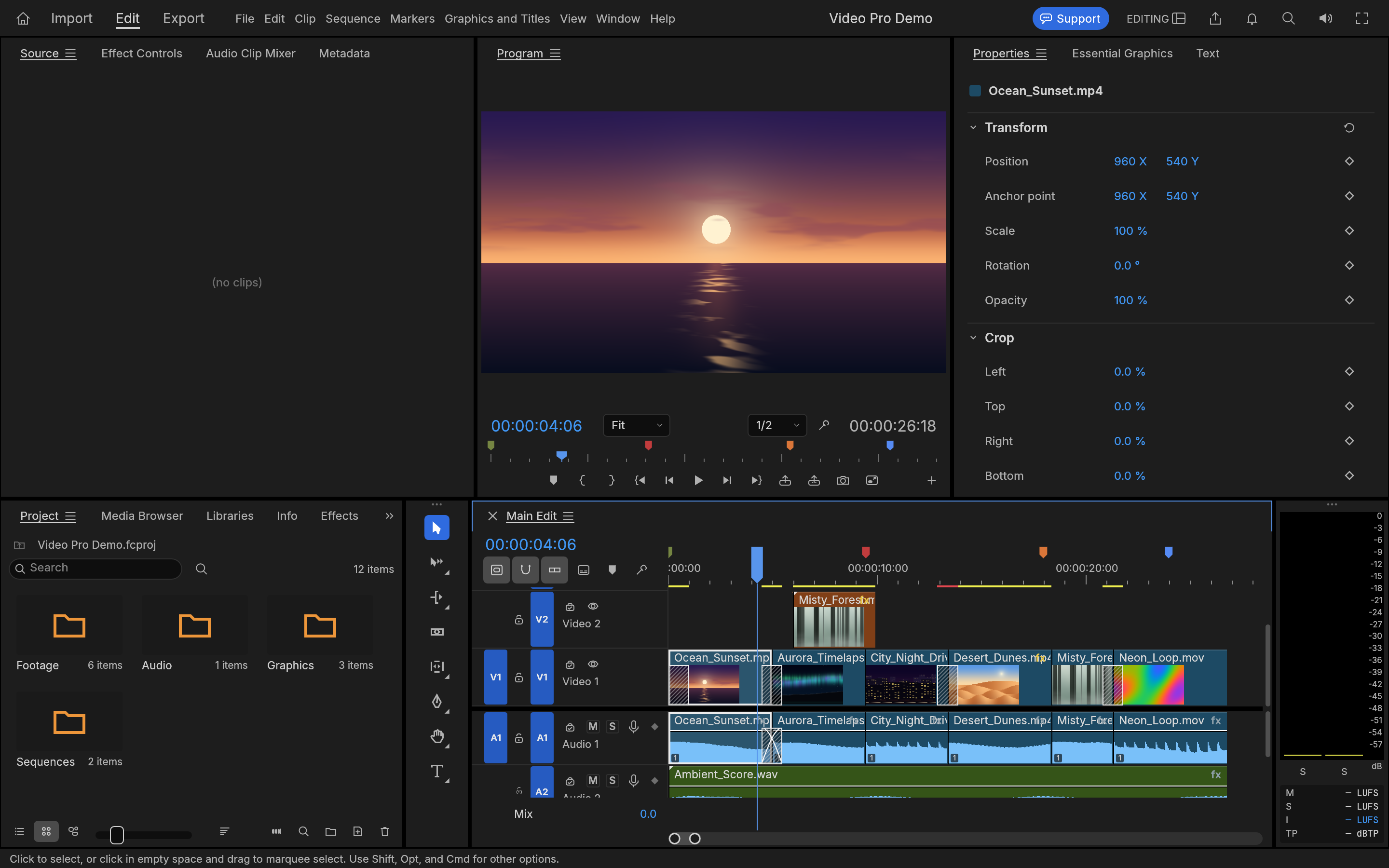
Video Pro’s editing workspace: sunset footage in the preview, media bins, clip controls and a multitrack video and audio timeline.
From your first assembly to the finishing touches.Actual Video Pro workspace
Built for MacVideo, color & audioNo subscriptionNo account required

A place for every
part of your edit.

Move from a rough idea to a considered sequence. Keep your media, timeline, picture, and sound together—so you can stay with the story.

The edit

Good stories start
with a great cut.

Build your sequence on a multitrack timeline. Arrange clips, trim the edges, split a moment, and try another direction with undo close at hand.

  • Video and audio on separate tracks
  • Trim, split, move, and refine
  • Save editable projects for your next session
Detail of the Video Pro timeline with multiple video clips and audio tracks.Make room for the moments that matter.

Set the mood.
Find the balance.

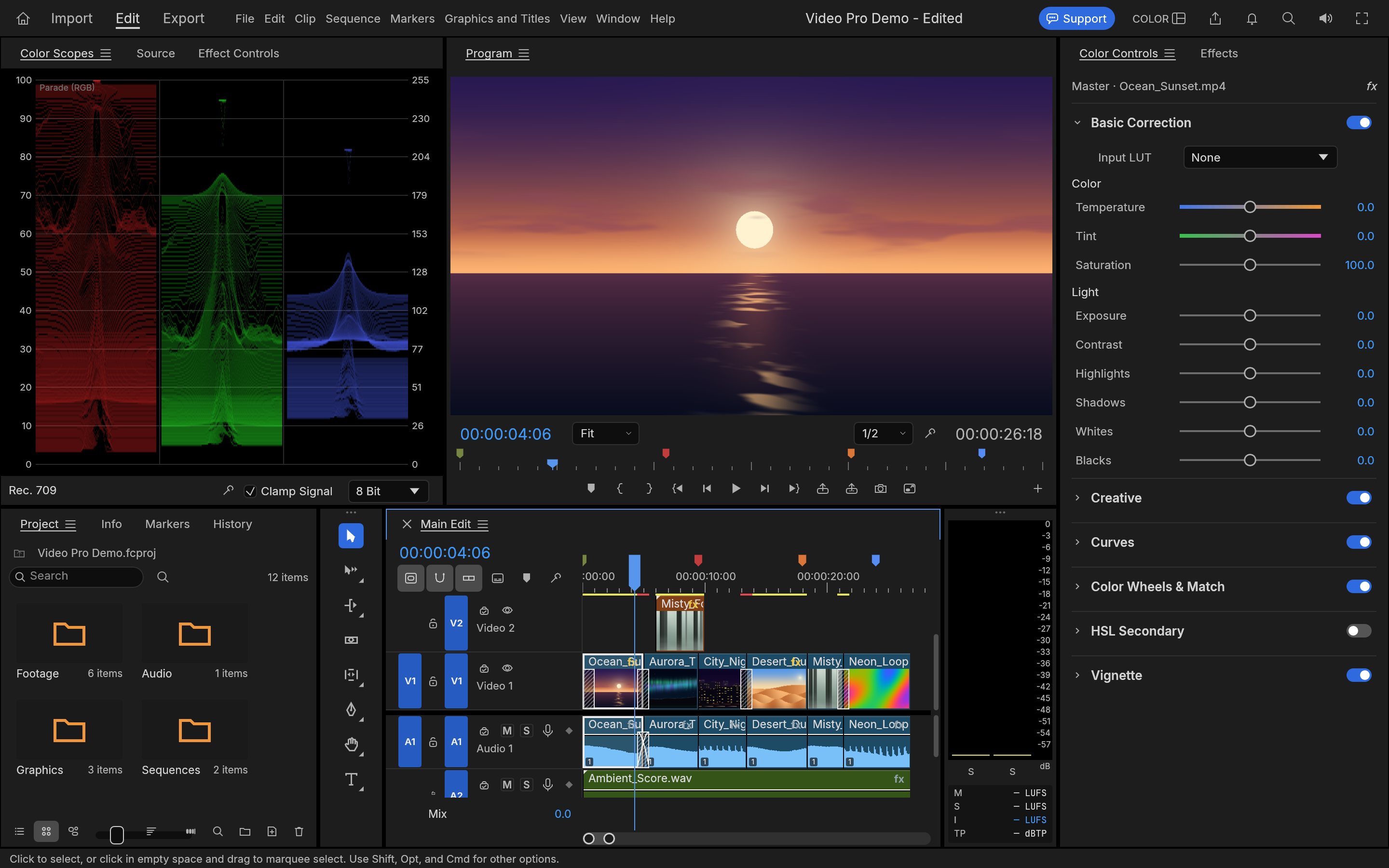
Video Pro Color workspace with video scopes, a sunset preview and color correction controls.
Color

Give the picture
your perspective.

Bring your footage into balance, then make it feel like your film. Work with color controls and scopes while keeping your sequence in view.

Color correction · Curves · Video scopes
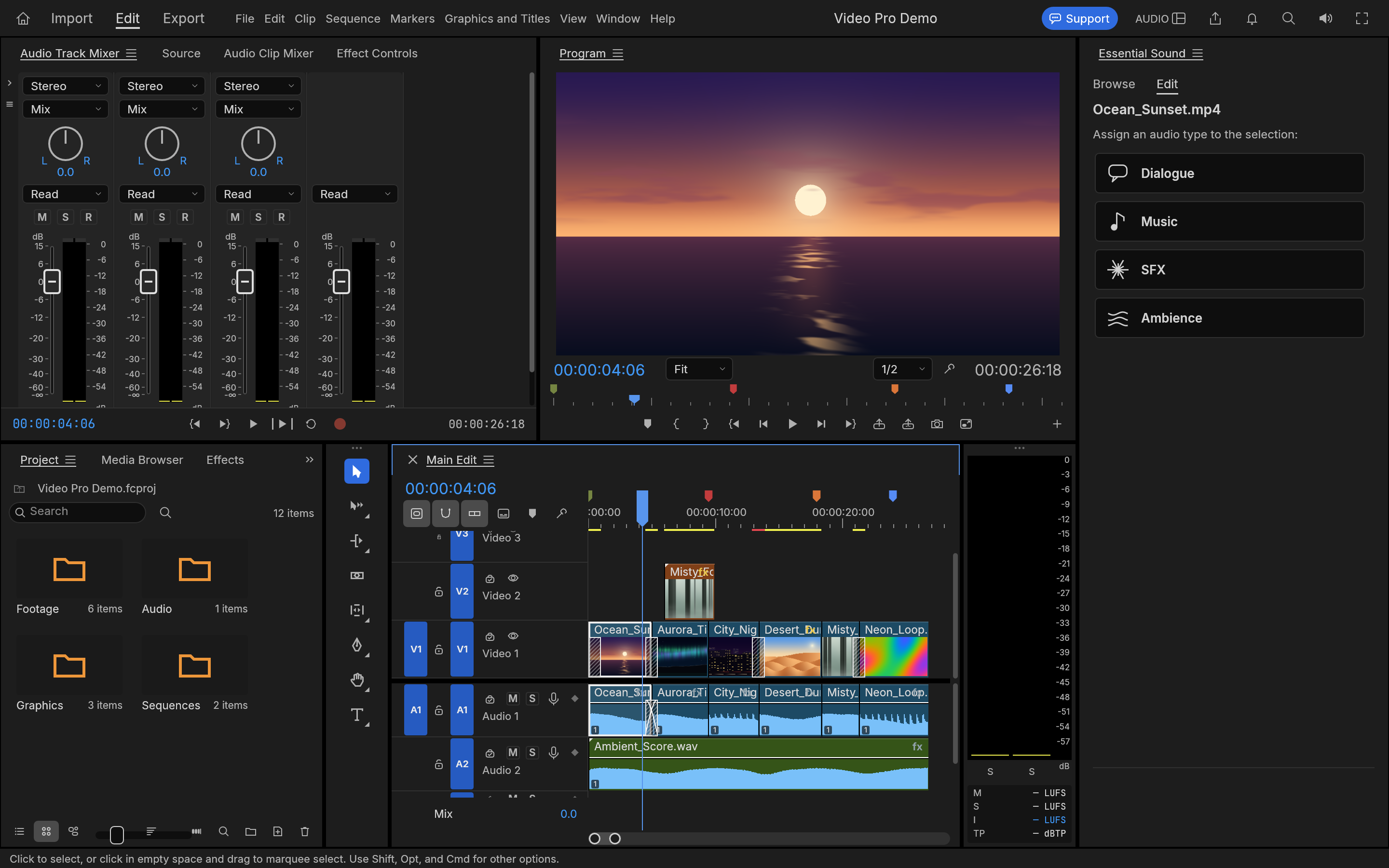
Video Pro Audio workspace with audio mixers, preview monitors, timeline and Essential Sound controls.
Sound

Let the sound
carry the scene.

Make space for dialogue, music, and atmosphere. Mix your tracks and record voice-over in the same app you use to cut your picture.

Audio mixing · Voice-over · Sound controls
Titles & captions

The right words.
In the right moment.

Add context, introduce a scene, or give your audience the words to follow along. Work with titles and captions as part of your edit.

Your footage.
Your Mac.

Video Pro processes your media locally. No account to create, no footage to upload, and no cloud service between you and your edit.

You choose the access.

Choose the files and folders the app can use through macOS permissions.

Your work stays with you.

Save editable projects and keep control of your media and backups.

Read our privacy policy

More creating.
No recurring bill.

A paid download with the editing tools included. No subscriptions, in-app purchases, or feature unlocks.

US$49.99

Planned one-time purchase

Ask for launch updates Coming to the Mac App Store.
Final pricing and taxes vary by region.

Before you
start cutting.

When can I get Video Pro?

Video Pro is being prepared for the Mac App Store. It is not available to purchase yet, and we have not announced a release date. Email us if you would like launch updates.

Is there a subscription?

No. Video Pro is planned as a US$49.99 paid download, with no subscriptions, in-app purchases, or feature gates. Apple will show the final price for your region at purchase.

Does my footage leave my Mac?

The app processes media locally and does not require an account. If you contact support, you choose what information or files to send. Read the privacy policy for app, website, and support details.

Who makes Video Pro?

Stackwares publishes Video Pro independently, built on the open-source FilmCraft project. The app includes upstream contributor credits and MIT OR Apache-2.0 license notices. Upstream contributors do not endorse this edition.

How can I get in touch?

For support, feedback, or accessibility questions, email dev@stackwares.com. You can find more details on our Contact page.
Have a story in mind?Let’s hear it.

Video Pro by Stackwares. Independent tools for your point of view.